


Black Friday is one of the best opportunities to upgrade your desk setup without buying everything at once. But a better workspace doesn't come from simply adding more accessories.
The smartest Black Friday purchases solve a real problem: too little space, visible cables, poor organization, an inefficient workflow or a desk that simply doesn't feel finished.
At BALOLO, we believe a great workspace should combine functionality, organization and considered design. So instead of filling your cart with random Black Friday deals, this guide will help you decide which desk upgrades can make the biggest difference to your everyday setup.
The Quick Black Friday Desk Setup Checklist
If you only remember one thing, use this order:
- Create a solid foundation
- Free up desk space
- Organize your devices
- Fix your cable management
- Give small objects a dedicated place
- Add accessories that support your actual workflow
- Only then think about decoration
The goal isn't to own more desk accessories.
It's to create a workspace where everything has a reason to be there.
Why Black Friday Is a Good Time to Upgrade Your Desk Setup
Desk setups rarely need to be replaced completely.
Usually, a few intentional upgrades can transform how the entire workspace looks and functions.
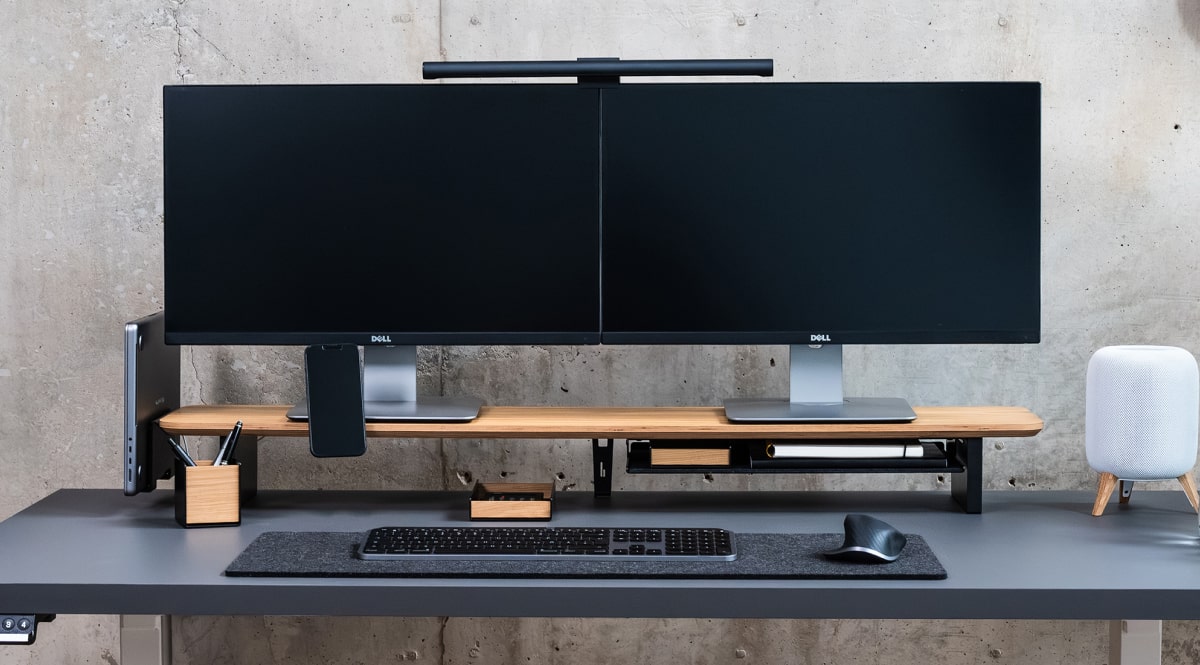
A monitor stand can create another layer of usable space. A laptop dock can remove a computer from the main working area. Better cable management can visually simplify the whole desk. A tray can stop small everyday objects from moving around your workspace.
That makes Black Friday especially useful for building a setup step by step.
Instead of asking:
“What's the biggest discount?”
Ask:
“Which upgrade would improve my desk every single day?”
That small change in perspective can prevent impulse purchases and help you build a workspace you'll still enjoy long after Black Friday is over.
1. Start With the Foundation of Your Desk Setup
Before buying smaller desk accessories, look at the structure of your workspace.
Where is your monitor?
Where does your laptop sit?
How much usable desk surface remains?
Which objects are constantly in the way?
A well-designed desk setup should create clear zones for different tasks. Your monitor belongs in the visual center. Keyboard and mouse need enough uninterrupted working space. Devices you use less frequently shouldn't permanently occupy your most valuable desk area.
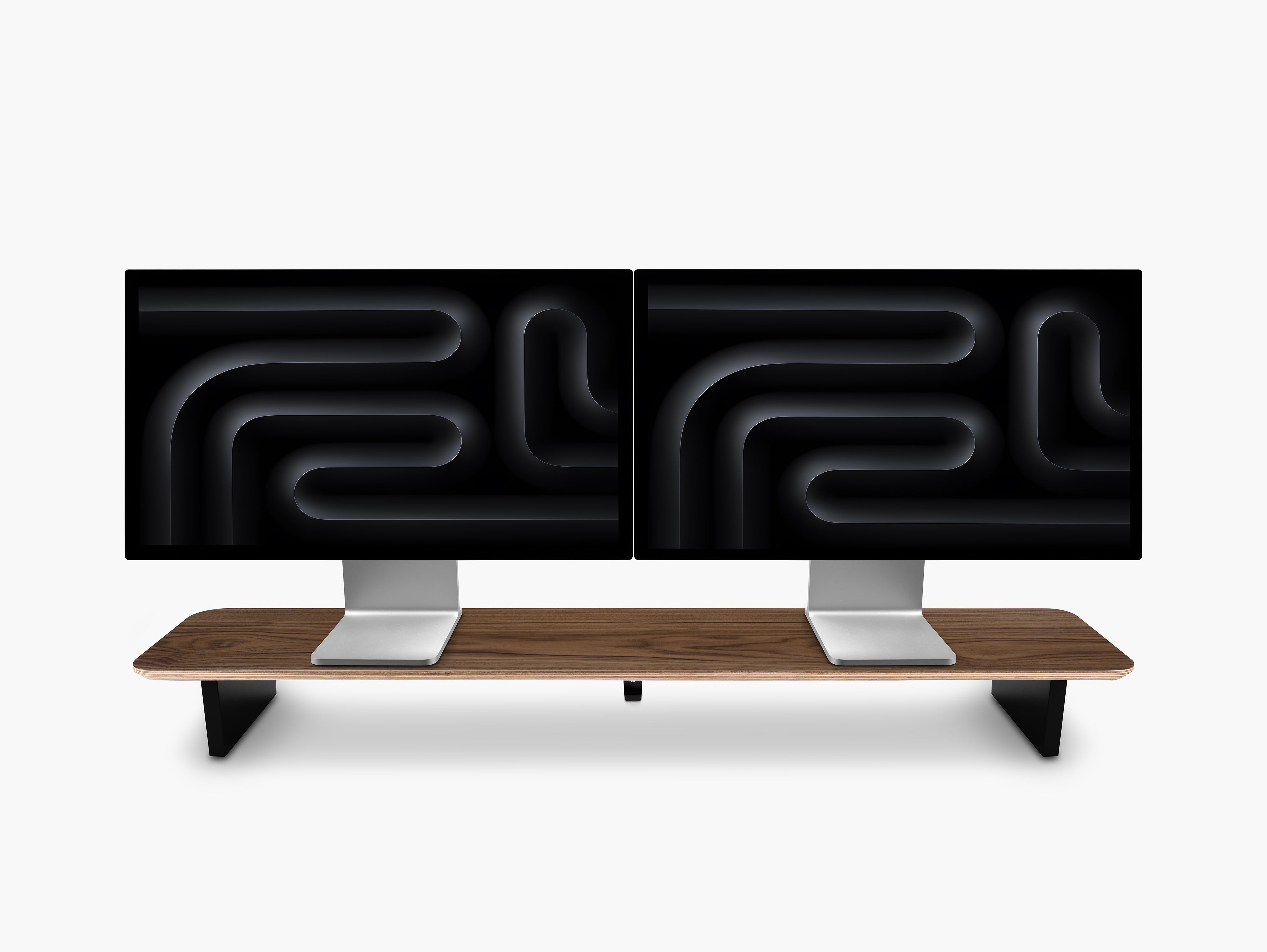
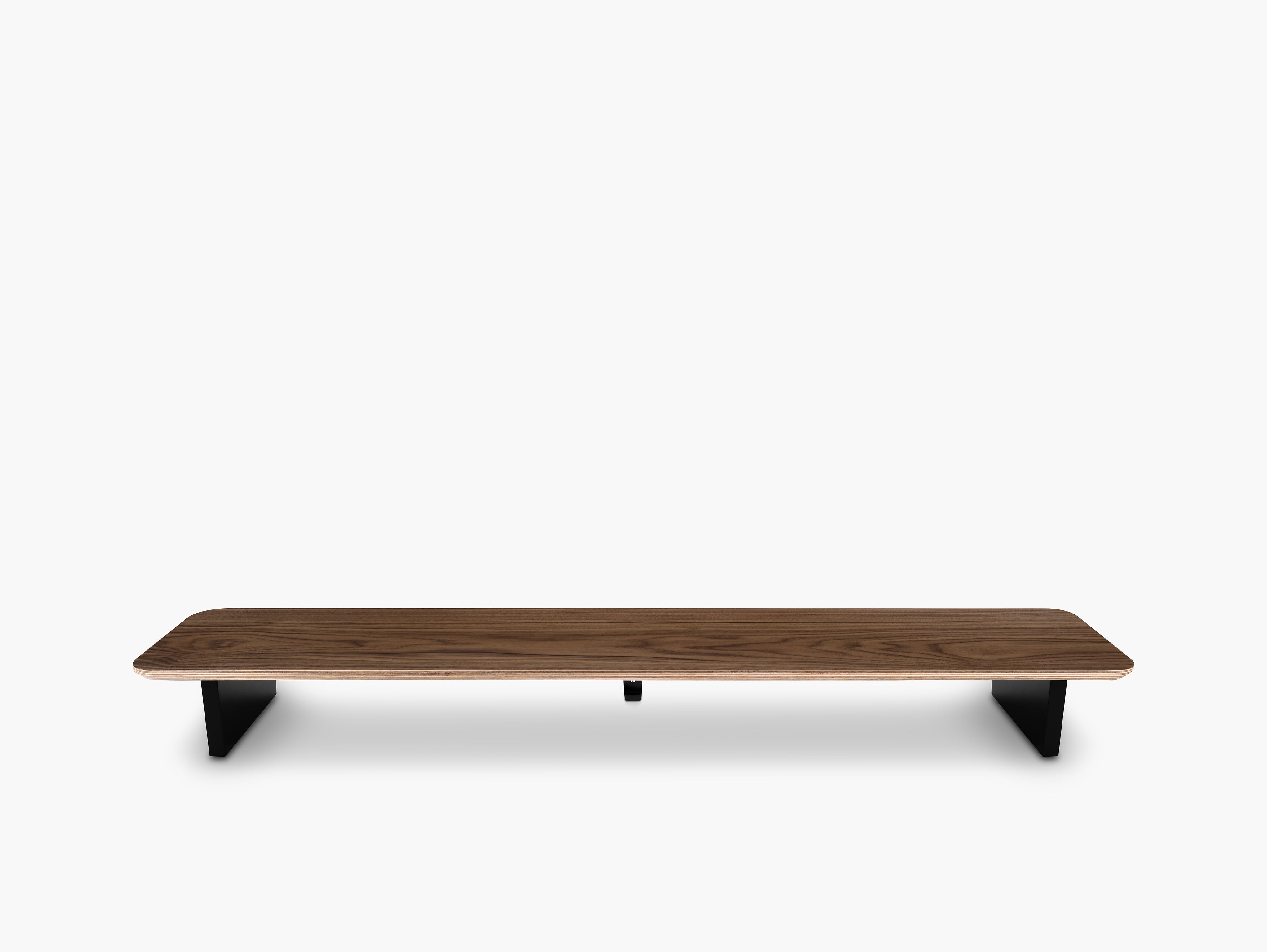
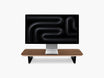
This is why one of the most impactful Black Friday upgrades can be a monitor stand or monitor shelf.
Why a monitor stand can change the entire setup
A monitor stand does much more than lift a screen.
It introduces a second level to the desk.
That additional layer can help you:
- create more usable storage space
- organize devices around the monitor
- visually anchor the center of the workspace
- reduce clutter around the keyboard and mouse
- create a cleaner, more intentional desk layout
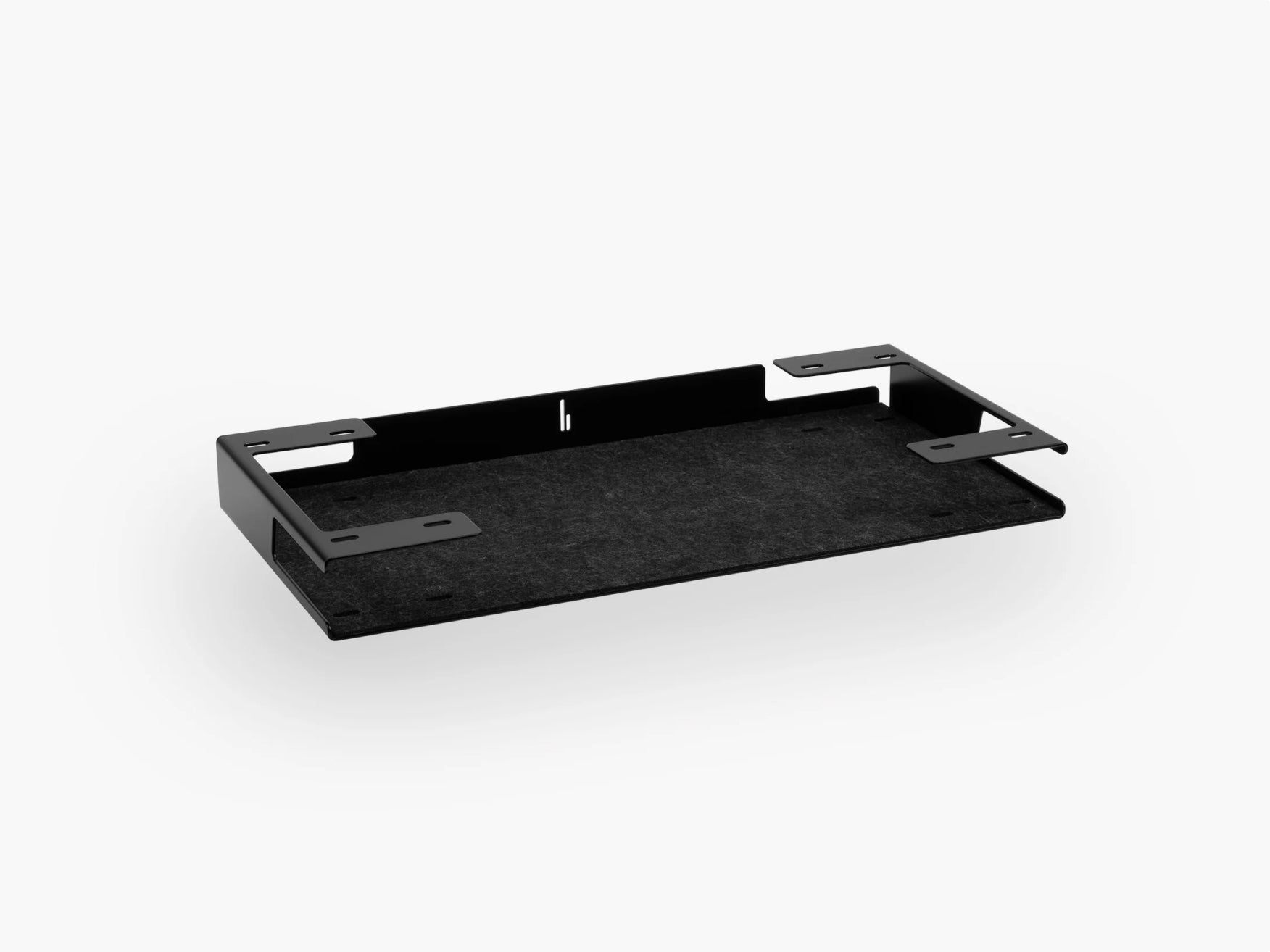
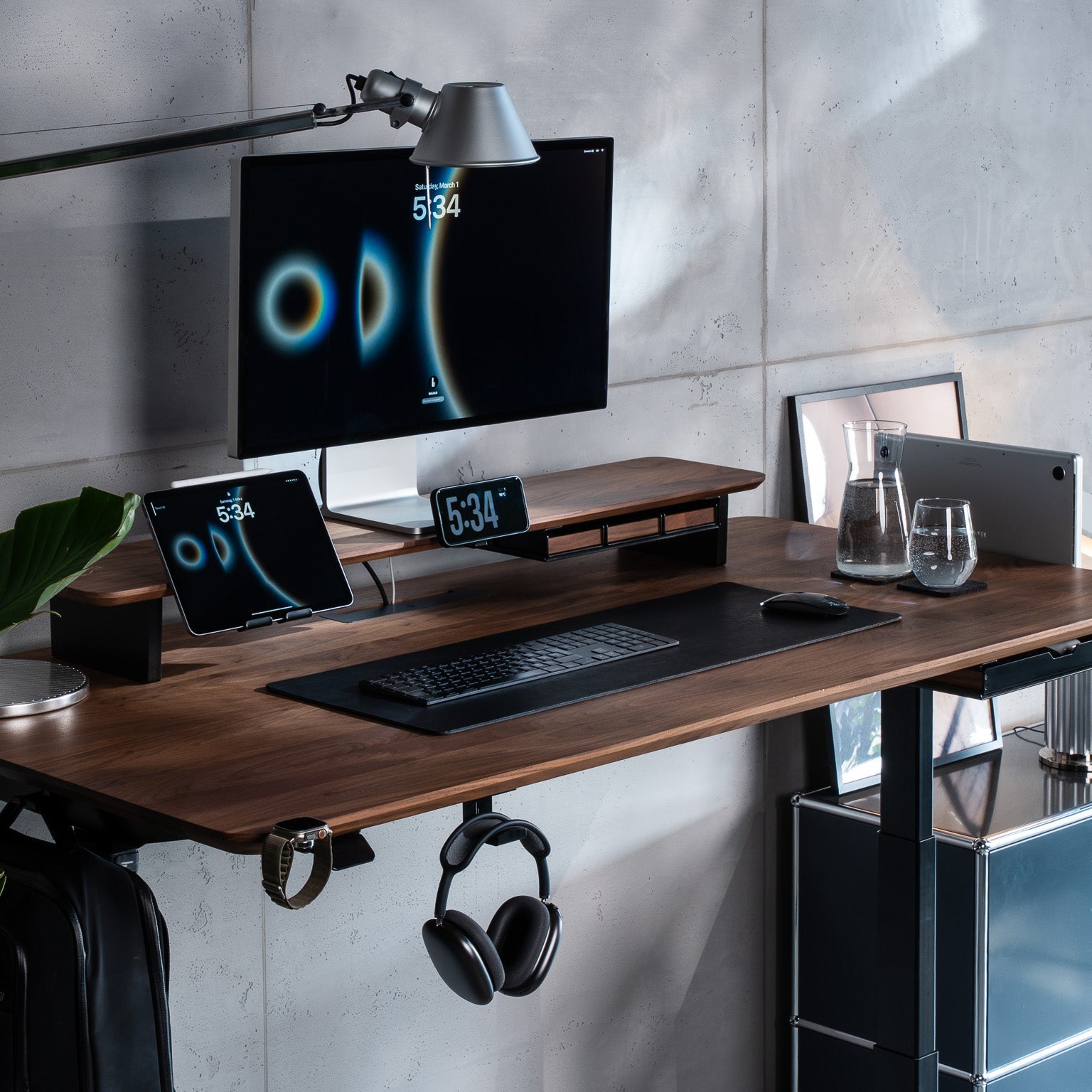
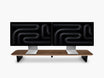
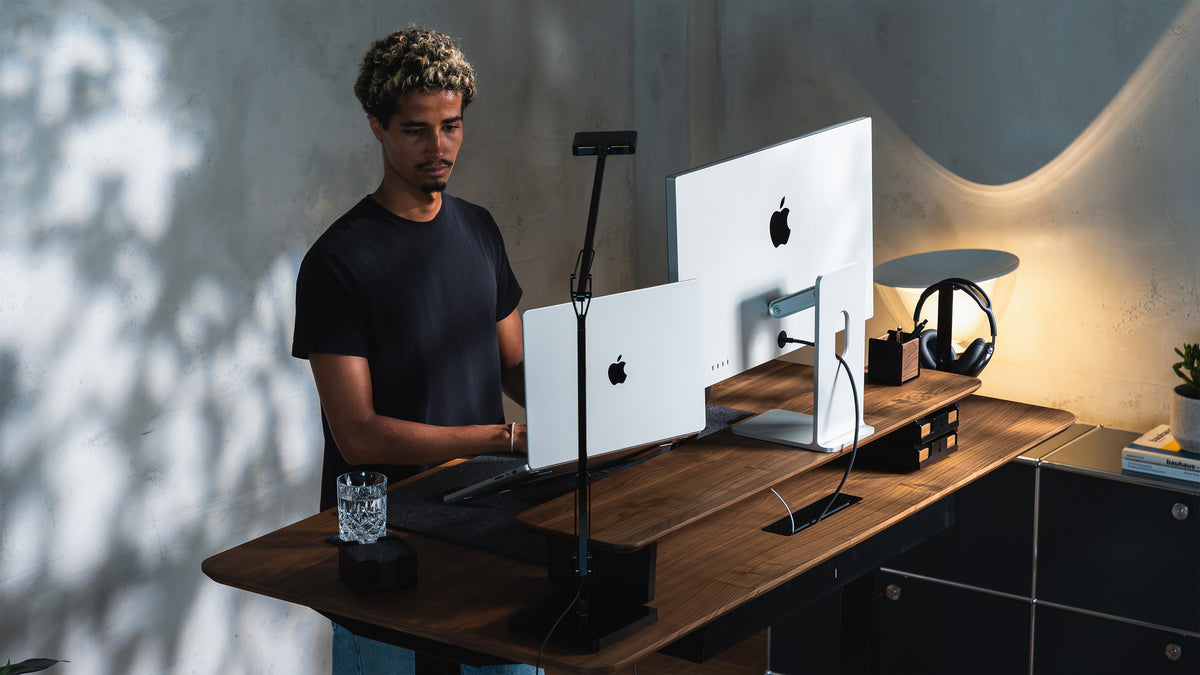
Our Setup Cockpit was designed around exactly this idea.
Rather than functioning as a standalone monitor riser, it forms the foundation of a modular workspace. Accessories can be added to the system depending on your devices, habits and available space.
The result is a desk setup that can evolve instead of having to be redesigned every time your workflow changes.

2. Prioritize Desk Organization Over More Accessories
Black Friday makes it very easy to buy things you didn't know you needed.
For your workspace, the opposite approach is usually better.
Before adding anything, identify what is creating clutter.
Common examples include:
- a laptop taking up unnecessary desk space
- charging cables lying across the surface
- headphones without a permanent location
- pens, SD cards and adapters moving around the desk
- a phone competing for space next to the keyboard
- accessories that are useful but rarely used
Good desk organization isn't about hiding everything.
It's about deciding where everything belongs.
When every frequently used object has a dedicated place, maintaining a clean desk becomes much easier. You'll find more ideas in our article Desk Organization: 9 Best Methods for a Clear Workspace.
The one-touch rule
A useful test when planning your Black Friday purchases is simple:
Can you reach the object when you need it and return it to its place in one movement?
If yes, the organization system supports your workflow.
If you constantly need to move three other objects before reaching something, the setup probably needs improvement.
3. Fix Your Cable Management
Few upgrades have as much visual impact for relatively little effort as desk cable management.
You can have a premium monitor, beautiful desk and carefully chosen accessories, but a collection of loose cables can still make the workspace feel unfinished.
Start with the cables you can see most often.
Usually, these include:
- monitor cables
- laptop charging cables
- smartphone charging cables
- power cables
- USB cables
- peripheral cables
- cables running from the desk to the floor
A simple cable management strategy
Divide your cables into three groups.
Permanent cables
These rarely move, such as monitor power cables. They can usually be routed more permanently.
Frequently used cables
These include charging or data cables you regularly connect and disconnect. They should remain accessible without lying loosely across the desk.
Occasional cables
These don't need to remain visible at all and can usually be stored elsewhere.
This distinction makes cable management for a desk setup much easier.
Instead of trying to hide every cable, you're creating a system that reflects how each cable is actually used.
Read more about cable management in our guide.
4. Create More Space With a Laptop Dock
A laptop is often one of the largest objects in a modern workspace.
When you're using an external monitor, keyboard and mouse, however, the laptop may not need to sit open in the middle of the desk.
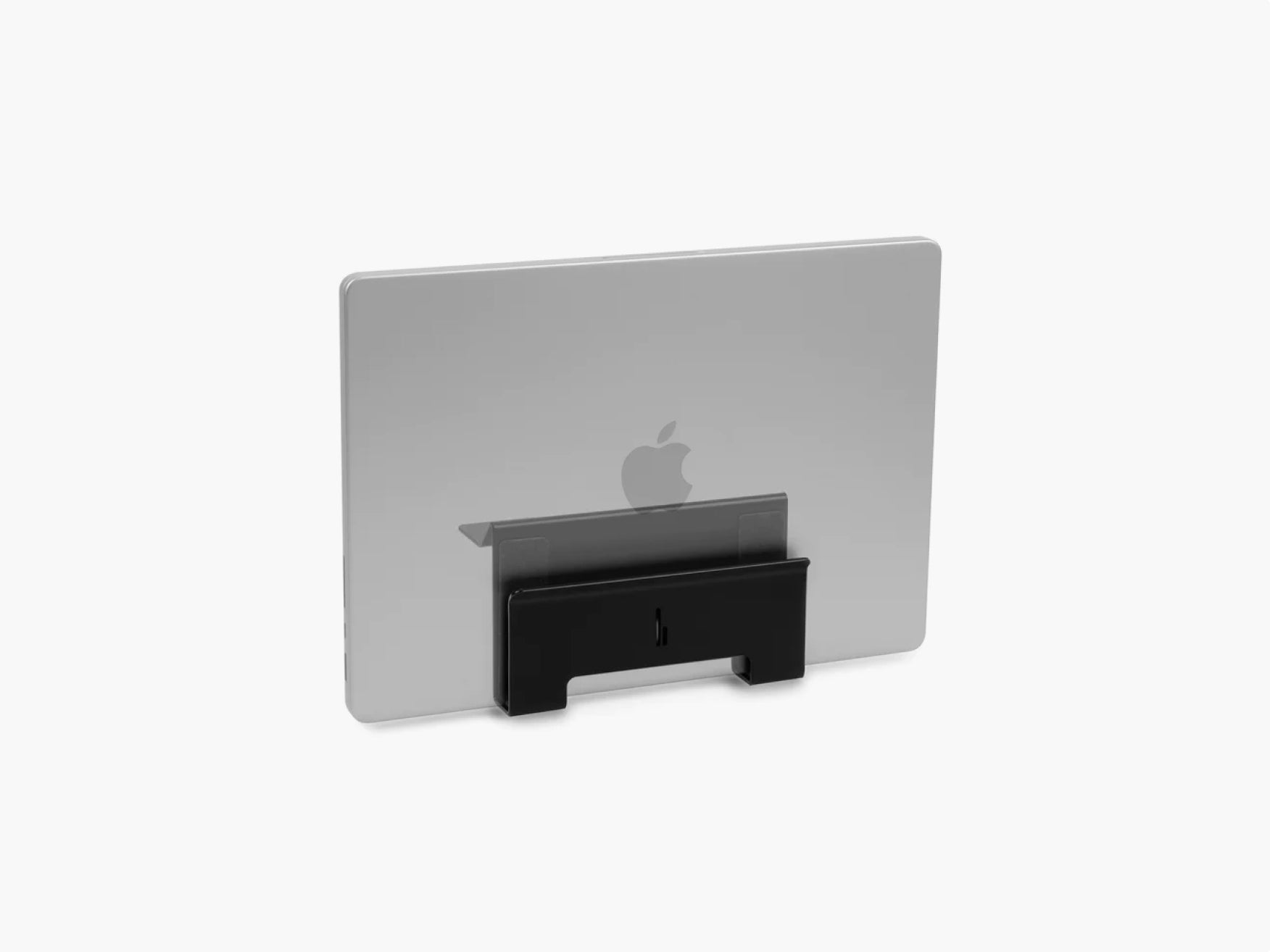
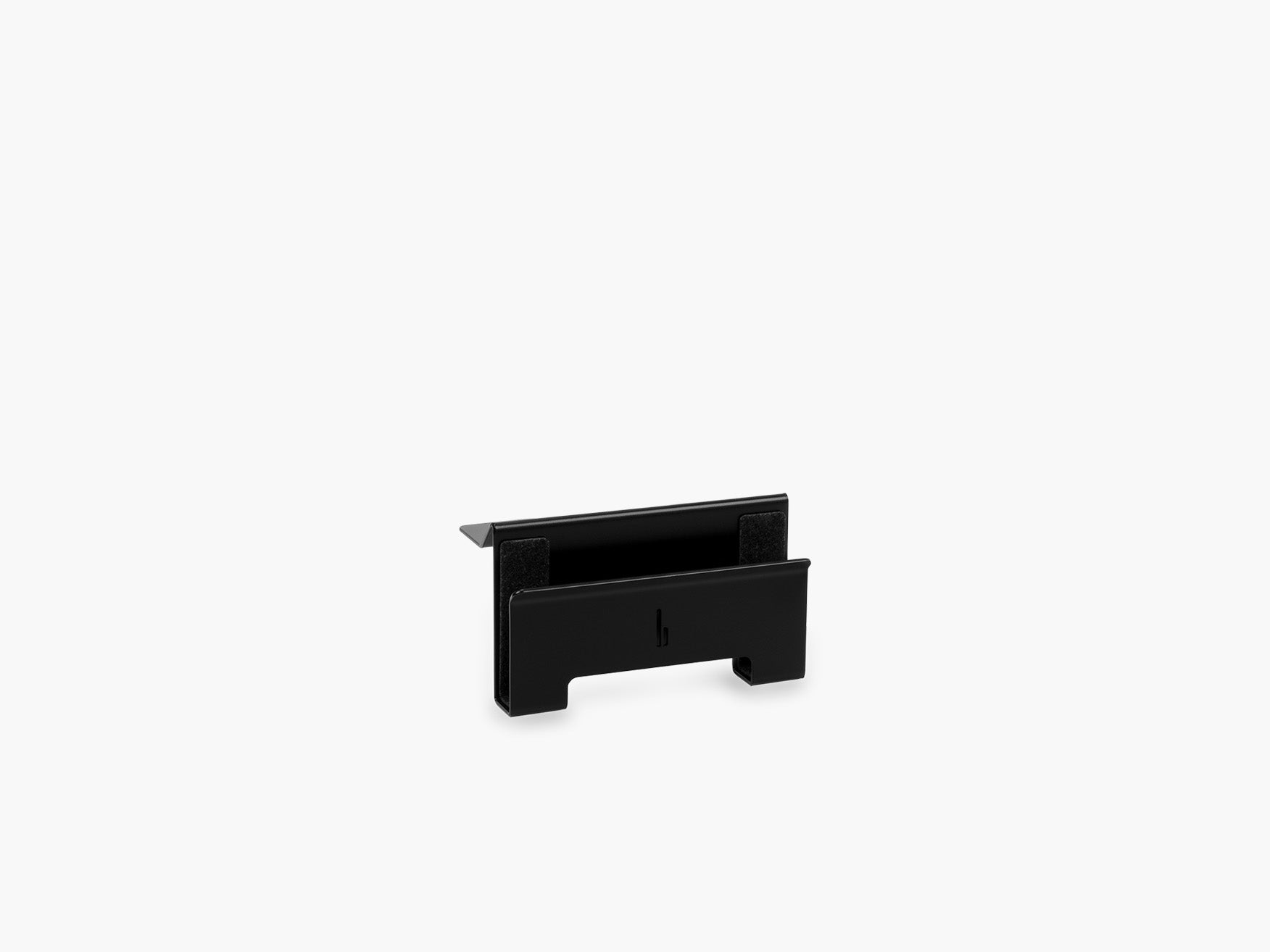
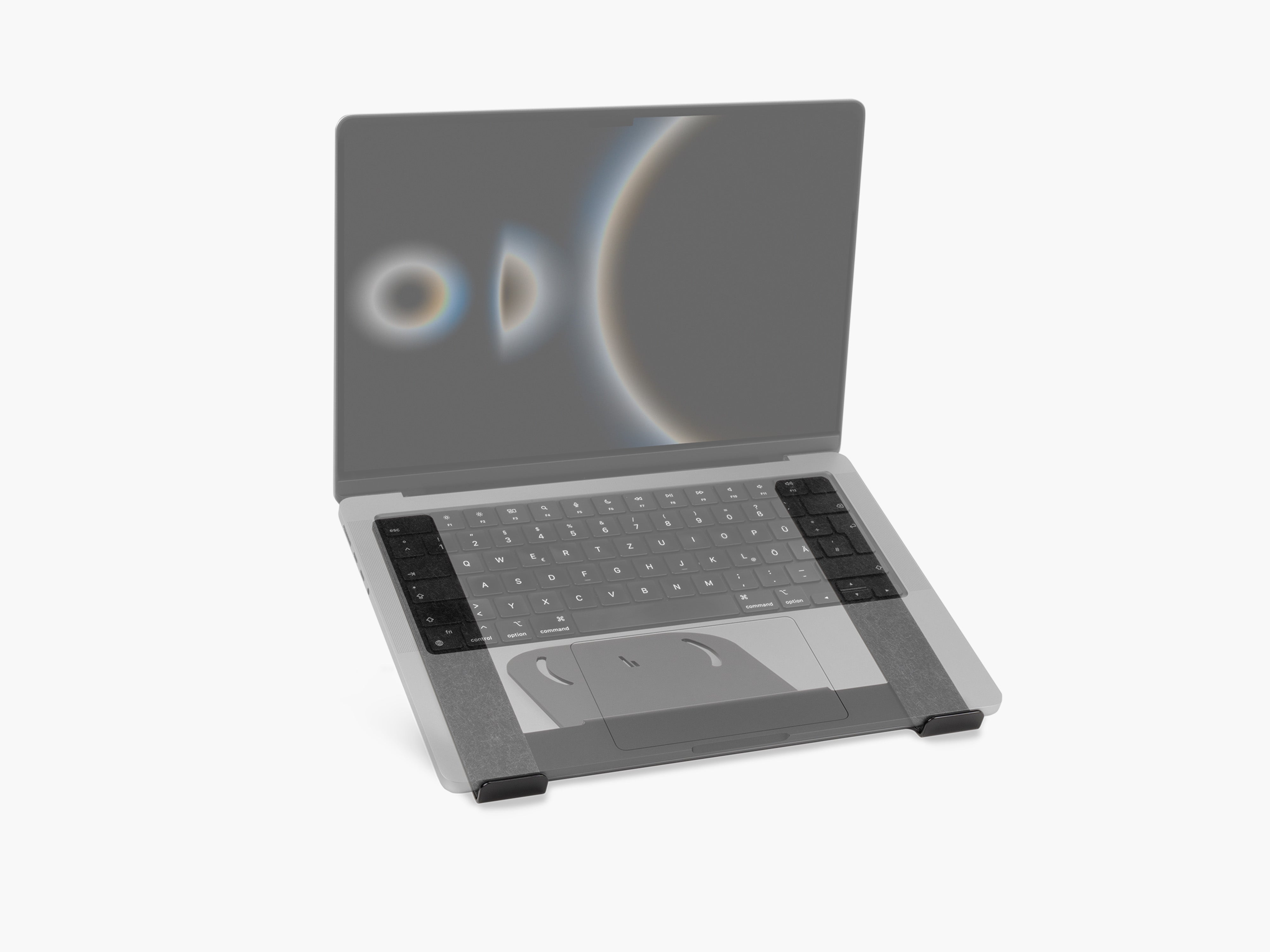
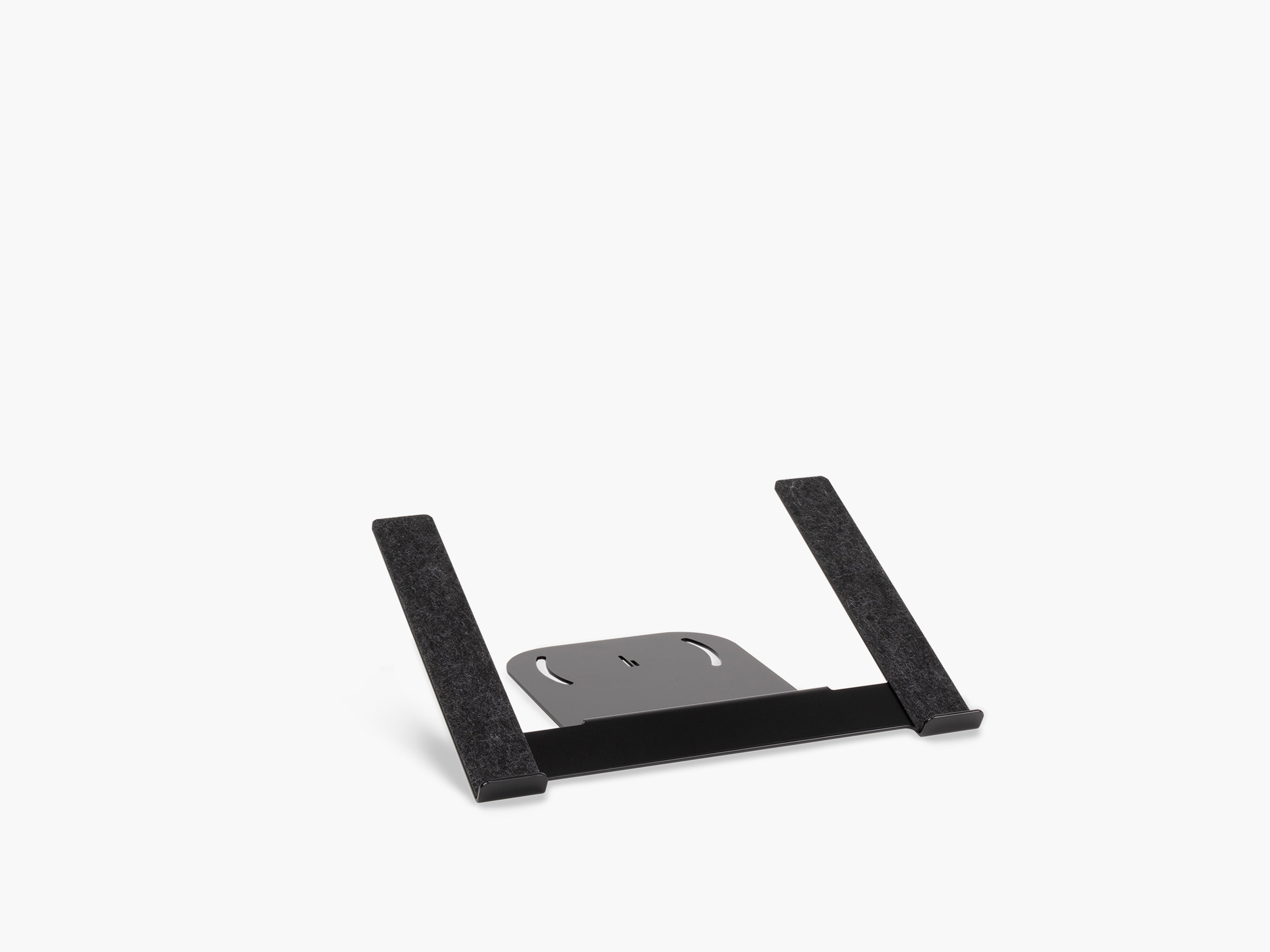
A vertical laptop dock can free up that space while keeping the computer accessible.
This is especially useful for:
- MacBook desk setups
- hybrid work setups
- dual-device workspaces
- small desks
- minimalist desk setups
- home offices with limited space
The key is accessibility.
You don't want your laptop hidden somewhere inconvenient. You want it stored deliberately so that you can reach it when necessary without sacrificing your main working area.
That's why our Laptop Dock for the Setup Cockpit attaches directly to the modular system and can be positioned according to your setup.

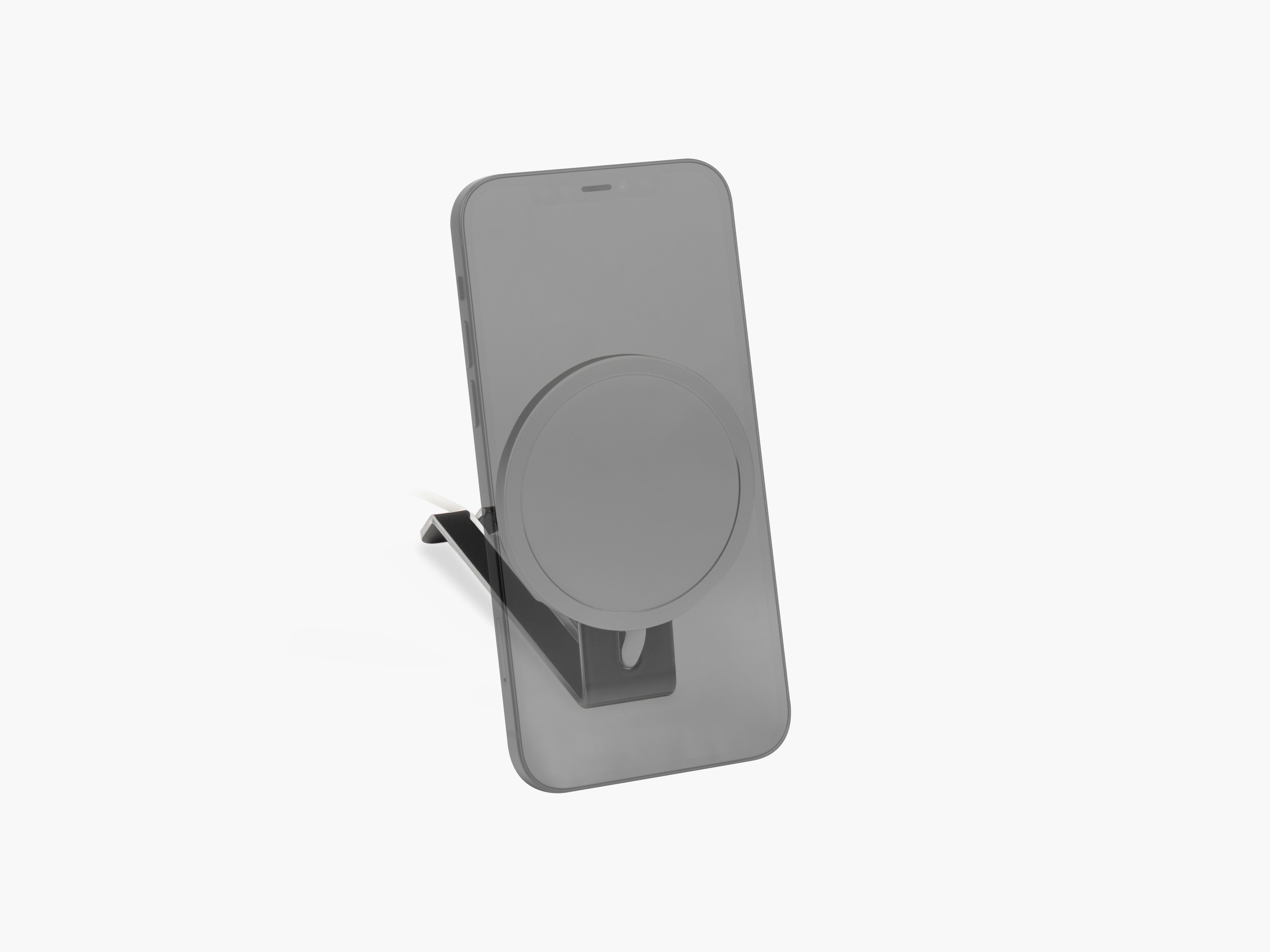
5. Give Your Phone a Permanent Place
Your smartphone is probably one of the smallest objects on your desk.
It can also be one of the most distracting.
Phones often end up directly beside the keyboard because there's no defined place for them.
A dedicated holder solves two problems simultaneously.
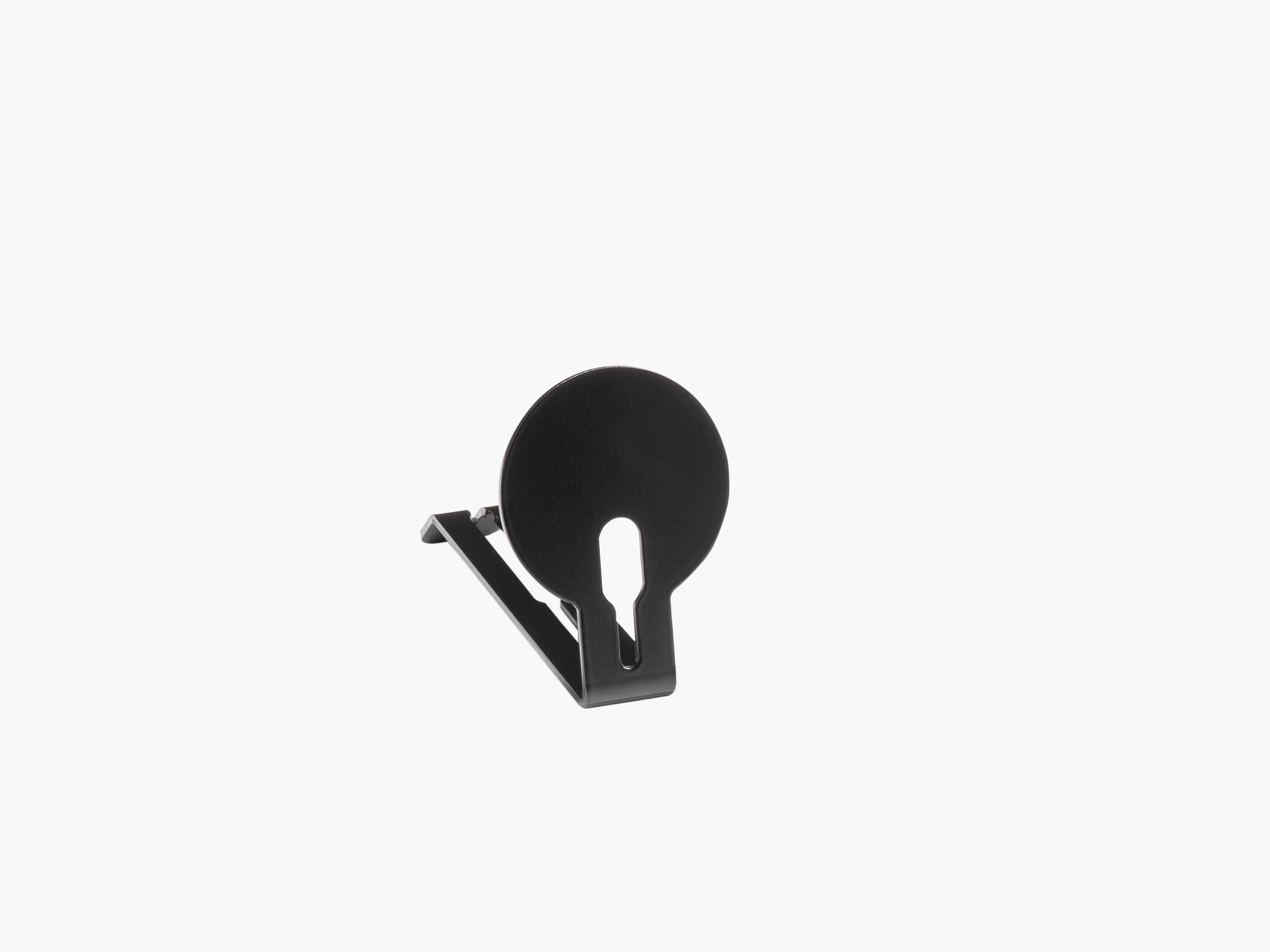
It keeps the phone accessible while preventing it from becoming another loose object on the desk.
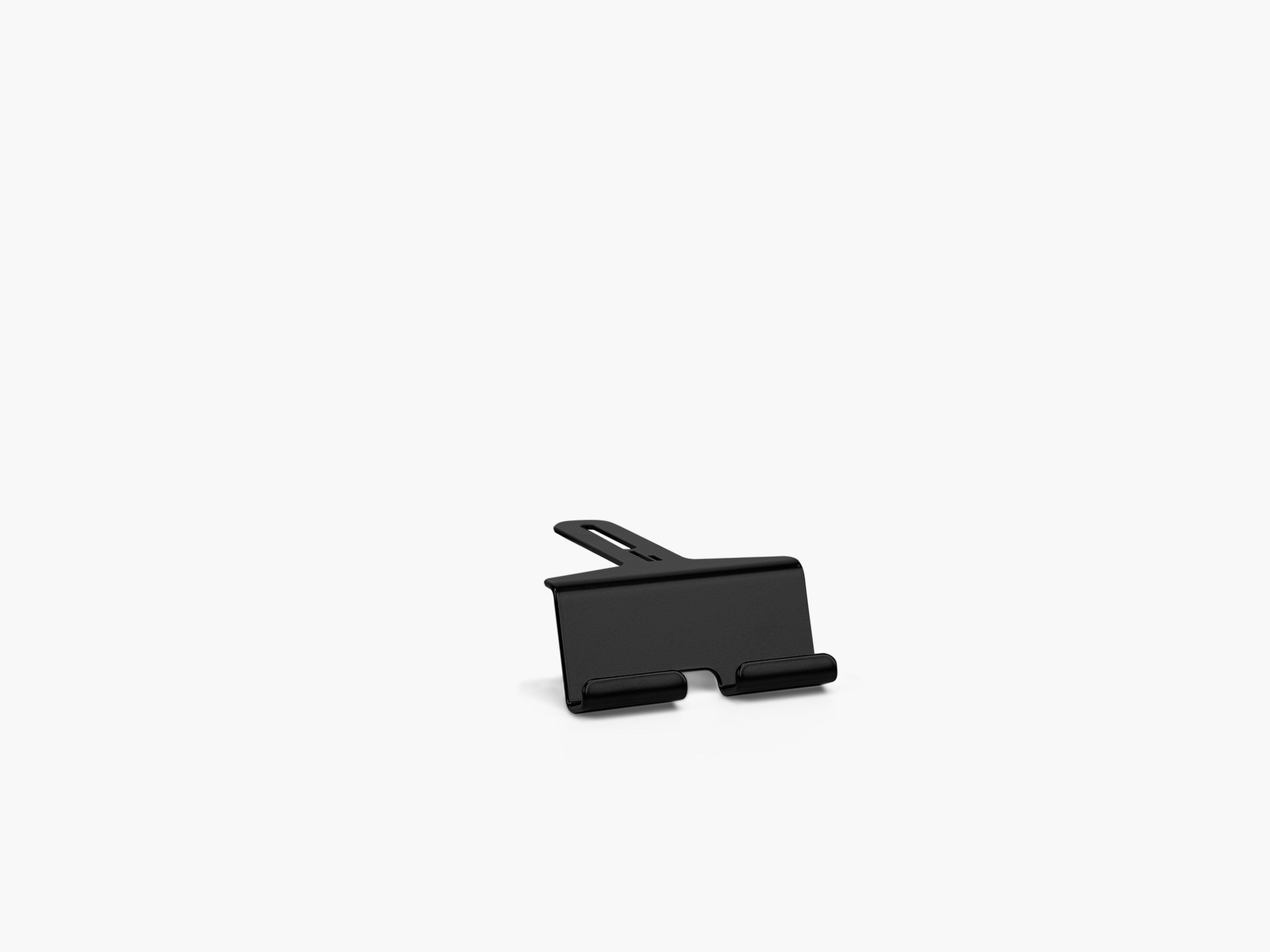
For people who use their phone as part of their workflow, a dedicated phone or MagSafe holder can also make it easier to check notifications, handle calls or use the device as a secondary screen without constantly picking it up.
The principle is the same as with every good desk organization system:
Frequently used devices should be accessible without taking over your primary working area.
6. Don't Ignore the Small Objects
Large devices usually aren't the hardest things to organize.
The real clutter often comes from small objects.
Think about:
- pens
- USB drives
- memory cards
- adapters
- AirPods
- keys
- coins
- charging adapters
- small cables
Individually, they don't seem like a problem.
Together, they quickly make a clean desk look chaotic.
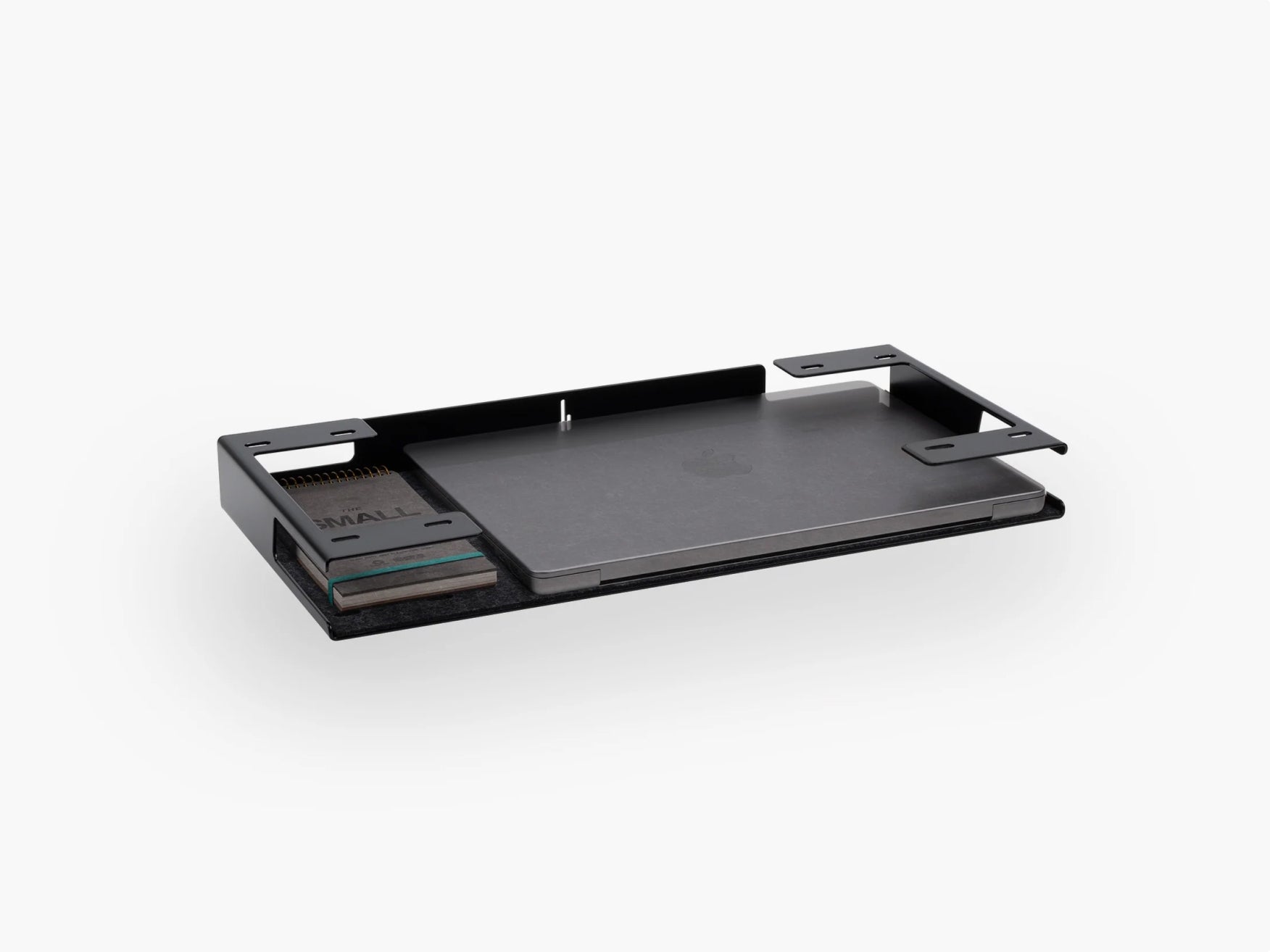
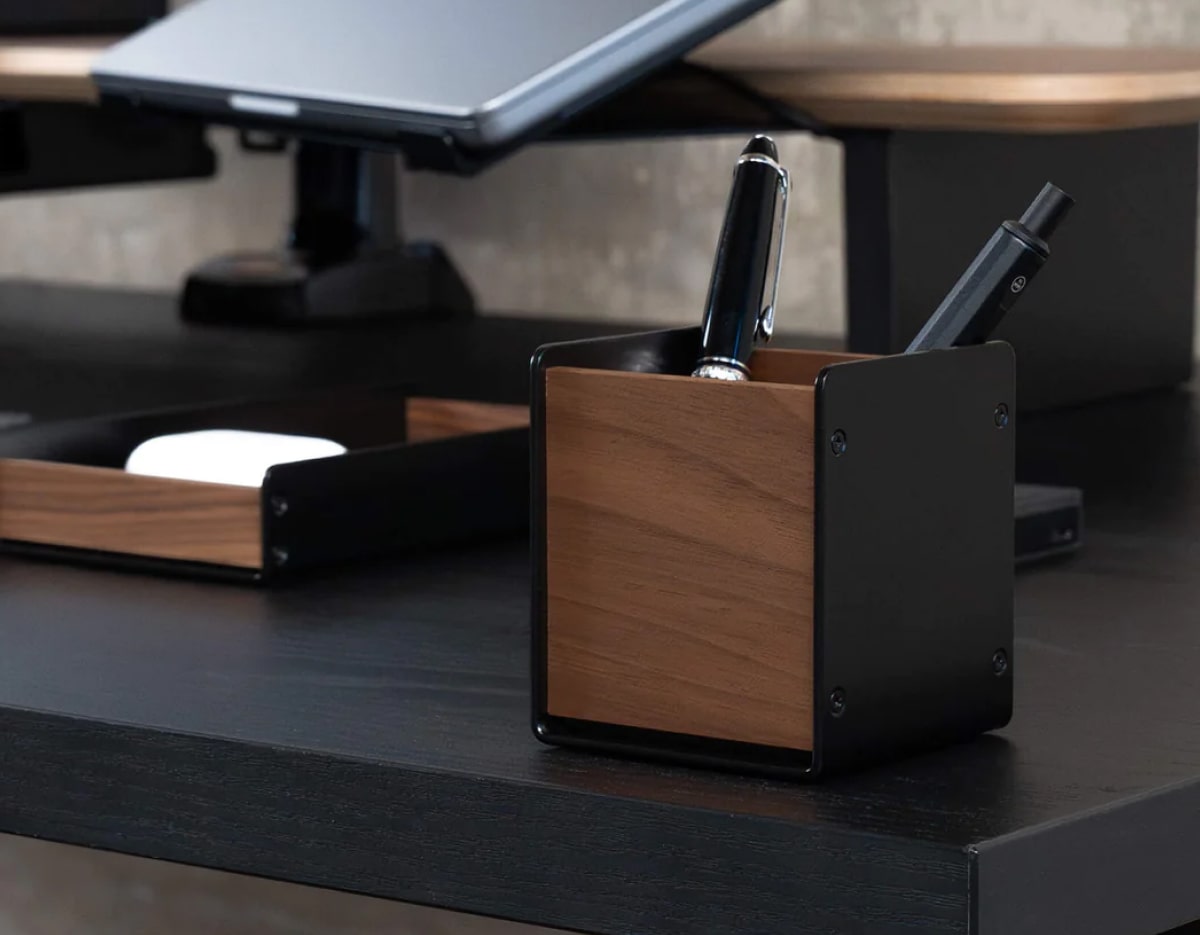
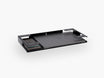
A catch-all tray or organizer creates a defined location for these everyday essentials.
That's why we see small-item storage as more than decoration. It's part of the larger organization system.
A minimalist workspace isn't empty.
It's simply intentional.

7. Buy Desk Accessories Based on Your Workflow
The best desk accessories aren't necessarily the accessories everyone else owns.
They're the ones that remove friction from your own routine.
A developer, designer, student and content creator may all have beautiful setups, but their requirements can be completely different.
For remote workers
Prioritize:
- monitor positioning
- laptop storage
- video-call equipment
- cable management
- ergonomic accessories
- easy access to your phone
For designers and creatives
Prioritize:
- enough free working surface
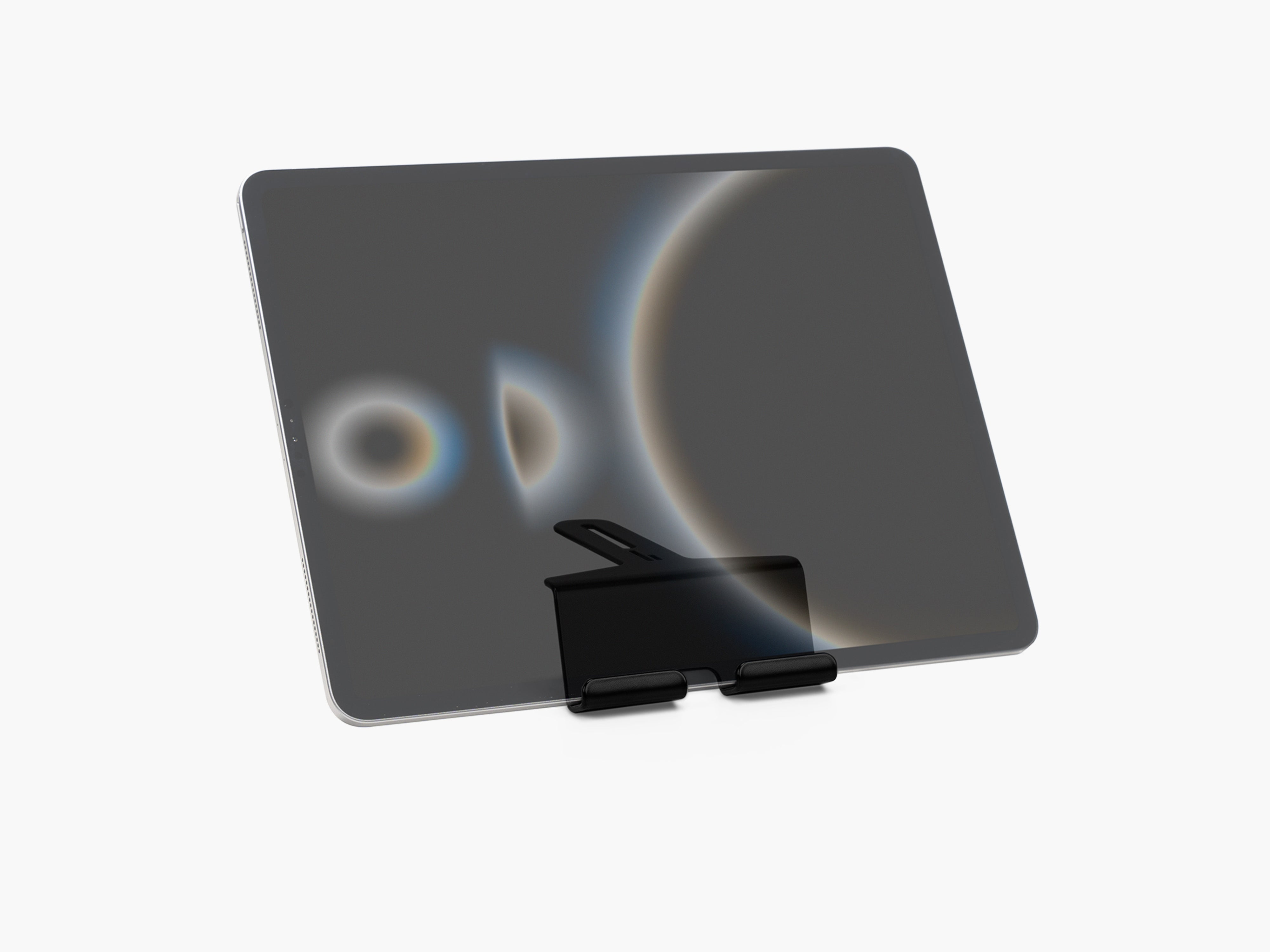
- accessible tablets or secondary devices
- storage for adapters and memory cards
- flexible device positioning
- a visually calm workspace
For developers
Prioritize:
- monitor configuration
- keyboard and mouse space
- laptop integration
- cable routing
- multiple-device organization
More on this in our article Desk Setup for Developers: Build a Better Coding Workspace.
For content creators
Prioritize:
- camera and lighting equipment
- headphones
- microphones
- Stream Deck or control devices
- smartphone access
- flexible accessory mounting
This is where modularity becomes particularly useful.
Your desk shouldn't force you into one fixed configuration. It should adapt as your workflow changes.
8. Black Friday Desk Setup Priorities by Budget
Not every desk upgrade requires a complete transformation.
Here's how we would prioritize improvements depending on your budget.
| Budget Priority | Start With | Main Benefit |
| Small upgrade | Cable management or organization | Less visible clutter |
| Medium upgrade | Laptop storage + device holders | More usable desk space |
| Major upgrade | Monitor stand / Setup Cockpit | New structure for the entire workspace |
| Complete setup | Modular monitor stand + accessories | Integrated workspace system |
The important point isn't the exact amount you spend.
It's the order in which you improve the setup.
Solve structural problems before decorative ones.
9. Building a Minimalist Desk Setup on Black Friday
Black Friday and minimalism may sound like opposites.
One encourages buying.
The other encourages owning less.
But a good Black Friday purchase can actually help create a more minimal desk setup when it replaces several improvised solutions with one well-designed system.
Before purchasing something, ask four questions:
Does it solve a recurring problem?
If you've been frustrated by the same cable, device or storage problem for months, the answer may be yes.
Does it have a permanent place?
If you can't already imagine exactly where the product belongs on your desk, think twice.
Does it work with the rest of your setup?
A great accessory should integrate visually and functionally with the objects around it.
Will you still use it next year?
This is perhaps the most important question.
A Black Friday deal only saves money when the product remains useful.
If you want to dig deeper into the topic, read our article How a Minimalist Workspace Improves Your Productivity.
10. Think in Systems, Not Individual Products
One of the biggest problems with desk accessories is that they're often bought individually.
A stand here.
A dock there.
A phone holder somewhere else.
Each product may work perfectly well on its own, yet the complete setup still feels disconnected.
At BALOLO, we take a different approach.
The Setup Cockpit is designed as the center of a modular system. Its mounting structure allows compatible accessories to become part of one workspace architecture rather than separate objects competing for desk space.
That means your setup can evolve.
You might begin with the monitor stand and laptop storage.
Later, your workflow changes and you add another holder.
Then your devices change again.
The underlying structure remains.
For us, that's what a functional modern workspace should do: adapt to you instead of forcing you to adapt to it.

11. Quality Matters More During Black Friday, Not Less
A large discount can make an average product look attractive.
But your desk is something you interact with almost every day.
That makes materials, construction and longevity especially important.
Before choosing a Black Friday desk accessory, look beyond the percentage discount and consider:
- material quality
- stability
- compatibility
- repairability or longevity
- modularity
- manufacturing quality
- whether the design will still fit your workspace in several years
At BALOLO, we develop and manufacture our products in Germany and focus on materials such as real wood and powder-coated steel.
The goal is simple: workspace products shouldn't feel disposable.
They should become part of your setup.
How to build a workspace that stays useful for years is explained in our article How to Build a Desk Setup That Lasts for Years.
12. What Not to Buy on Black Friday
A good buying guide should also tell you what to skip.
Avoid accessories that:
Solve a problem you don't have
A product isn't useful simply because it looks good in someone else's setup.
Duplicate something you already own
More organizers don't automatically create more organization.
Add visual clutter
Minimal desk accessories should simplify the workspace, not fill every available surface.
Don't fit your devices
Check dimensions and compatibility before ordering stands, docks and holders.
Lock you into a temporary setup
Your workspace may change. Your accessories should ideally be flexible enough to change with it.
13. Black Friday Desk Setup Buying Checklist
Before placing an order, run through this checklist.
Workspace
- What is currently bothering me about my desk?
- Where am I losing usable space?
- Which areas constantly become cluttered?
Devices
- Which devices do I use every day?
- Which devices could be stored vertically or underneath another surface?
- Which need to remain within immediate reach?
Organization
- Does every frequently used object have a permanent place?
- Are small accessories organized?
- Is there enough free working surface?
Cable management
- Which cables are permanent?
- Which cables need to remain accessible?
- Which cables can be hidden completely?
Buying decision
- Does this product solve an existing problem?
- Is it compatible with my setup?
- Does it match my workspace visually?
- Will I use it regularly?
- Can it adapt if my setup changes?
If you can answer those questions clearly, you're much more likely to make a Black Friday purchase you'll actually appreciate.
Build a Better Desk, Not a Bigger Collection of Accessories
The best Black Friday desk setup isn't the one with the most products.
It's the one where every product contributes to how the workspace functions.
Start with structure.
Create space.
Organize the objects you use most.
Control your cables.
Then add only the accessories that genuinely improve your workflow.
That's also the philosophy behind our workspace system at BALOLO. We want a desk to feel organized without feeling empty, functional without looking technical and flexible without becoming complicated.
Because when your desk works as one coherent system, you spend less time managing your workspace and more time using it.
Black Friday Desk Setup FAQ
What should I buy first for my desk setup?
Start with the biggest structural problem in your workspace. For many people, that's limited desk space, monitor positioning, laptop storage or cable management. Solve those problems before adding decorative accessories.
What are the best desk accessories to buy on Black Friday?
Useful Black Friday desk accessories include monitor stands, laptop docks, cable management solutions, phone holders, trays and storage accessories. The best choice depends on which problem you want to solve.
Is a monitor stand worth buying?
A monitor stand can be a valuable upgrade because it creates an additional level on your desk while helping organize the area around your monitor. Modular monitor stands can also provide mounting or storage options for other devices.
How can I make my desk setup look cleaner?
Start by removing objects you don't use regularly. Then give essential devices and small objects dedicated locations, organize visible cables and preserve as much free desk surface as possible.
What makes a good minimalist desk setup?
A good minimalist desk setup contains everything you need and very little you don't. The goal isn't an empty desk. It's a workspace where every device and accessory has a clear function and place.
Should I wait until Black Friday to upgrade my home office?
Black Friday can be a good opportunity if you already know which parts of your home office need improvement. Make a list before shopping, compare the products you actually need and avoid buying accessories simply because they're discounted.
When is Black Friday 2026?
Black Friday 2026 falls on Friday, November 27, 2026. It's worth deciding which workspace upgrades you need before the sales period begins so you can focus on useful purchases rather than impulse buys.